Free Online Multiple Image Resizer – Batch Resize Images Instantly
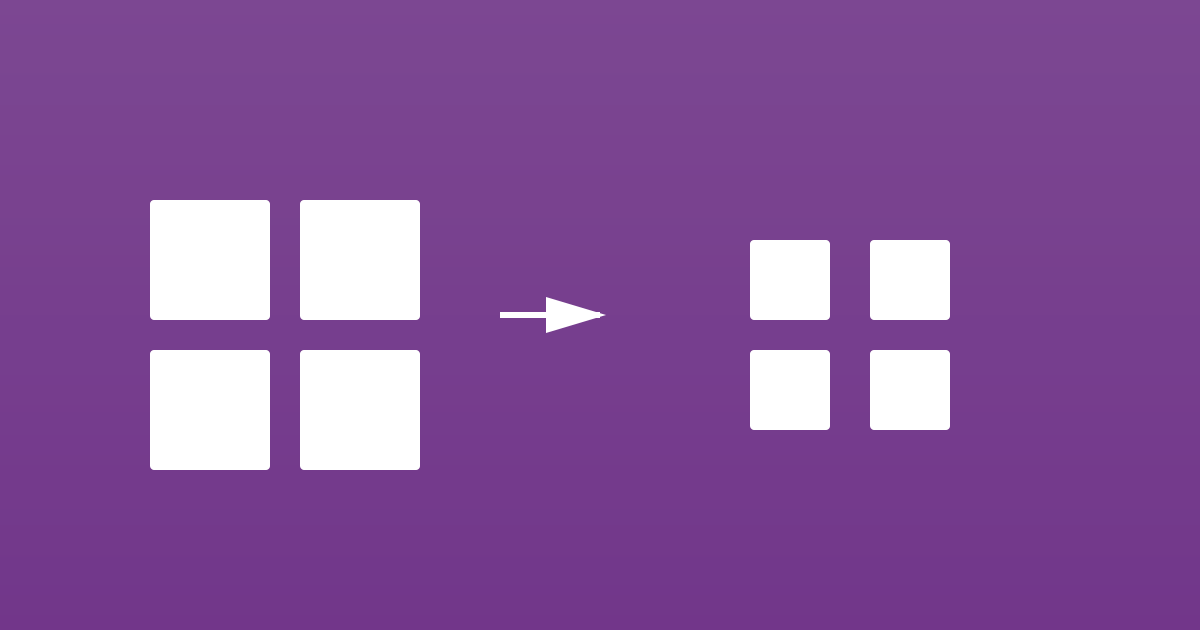
Need to resize multiple images at once? Our free online multiple image resizer allows you to resize hundreds of images simultaneously, saving you hours of manual work. Perfect for web developers, photographers, e-commerce sellers, and anyone who works with large batches of images.
Why Use Our Multiple Image Resizer?
Resizing images one by one is time-consuming and tedious. Our batch image resizer solves this problem:
- Batch Processing: Resize multiple images at once – no need to process them individually
- Time Saving: Resize hundreds of images in minutes instead of hours
- Consistent Results: Apply the same dimensions to all images for uniformity
- No Software Required: Works entirely in your web browser
- Completely Free: No registration, no payment, no limits
- Privacy Protected: All processing happens locally in your browser
How to Resize Multiple Images
Using our batch image resizer is easy:
- Visit our multiple image resizer tool
- Select multiple images to upload (or drag and drop them)
- Choose your desired dimensions or percentage
- Click resize and wait for processing
- Download all resized images as a ZIP file
Key Features
- Bulk Upload: Upload and process multiple images simultaneously
- Flexible Dimensions: Set specific width/height or resize by percentage
- Maintain Aspect Ratio: Option to preserve original proportions
- Multiple Formats: Supports JPG, PNG, WebP, and more
- Quality Control: Adjust compression quality for optimal results
- Batch Download: Download all resized images in one ZIP file
- Progress Tracking: See real-time progress for each image
Perfect For:
- E-commerce sellers preparing product images
- Web developers optimizing images for websites
- Photographers creating thumbnails and previews
- Social media managers resizing images for different platforms
- Bloggers preparing featured images and thumbnails
- Anyone who needs to resize multiple images regularly
Common Use Cases
- Creating thumbnails for image galleries
- Preparing product images for online stores
- Resizing photos for social media posts
- Optimizing images for website performance
- Creating multiple sizes for responsive web design
Start Resizing Today
Ready to resize multiple images at once? Try our free multiple image resizer and save hours of manual work.
No software installation. No registration required. Just upload, resize, and download. It’s that simple!